Get comfortable.
Download the APK and open it on your Android TV.
 2MAX TV
Live TV, movies and shows. All in one place.
Bring your own provider. No account needed.
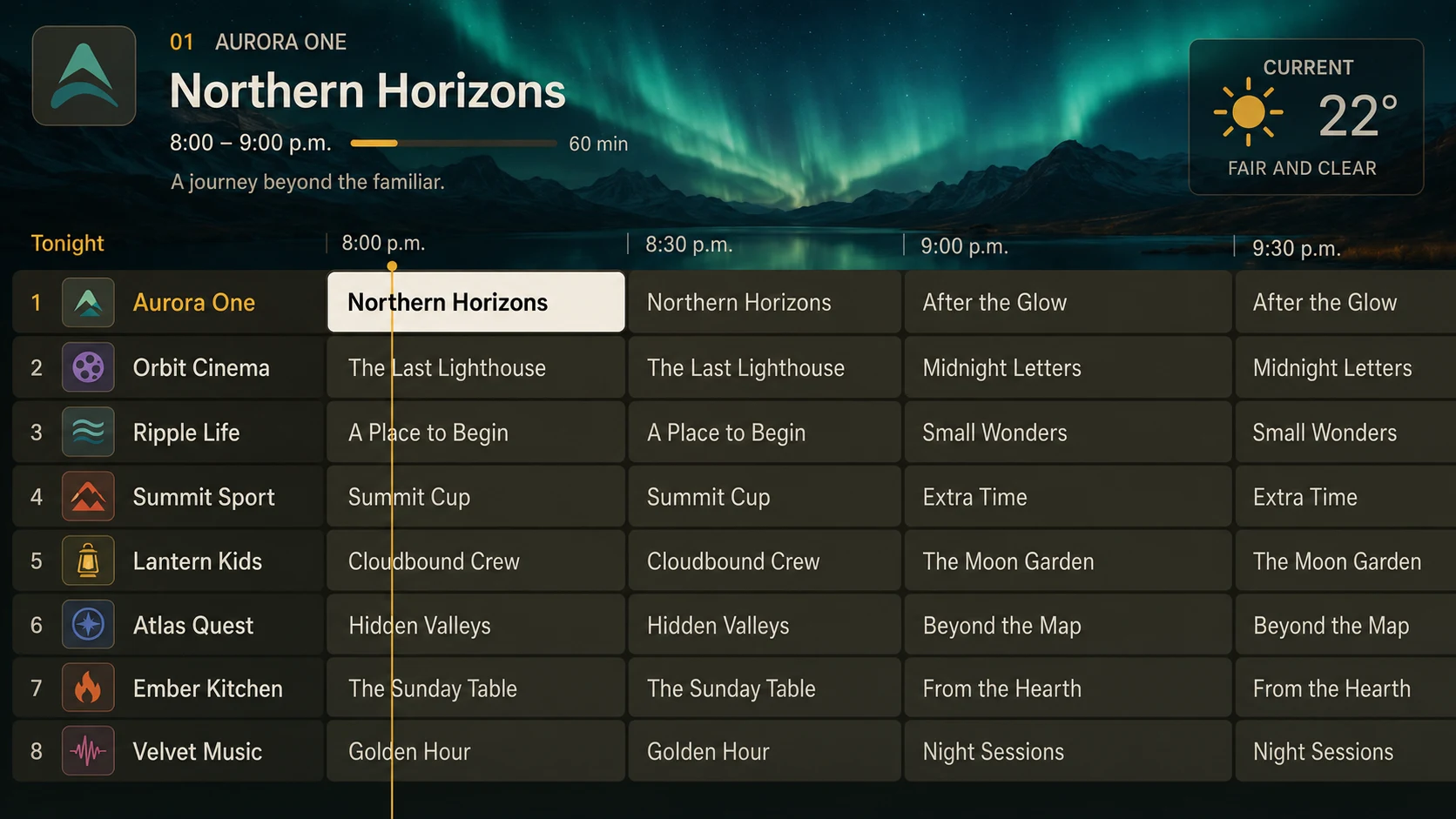
Fictional channels shown.
Download the APK and open it on your Android TV.
On TV, open Settings → Playlists → Connect website.
Enter your TV code here, add your playlists and send them to your TV.